News & Insights
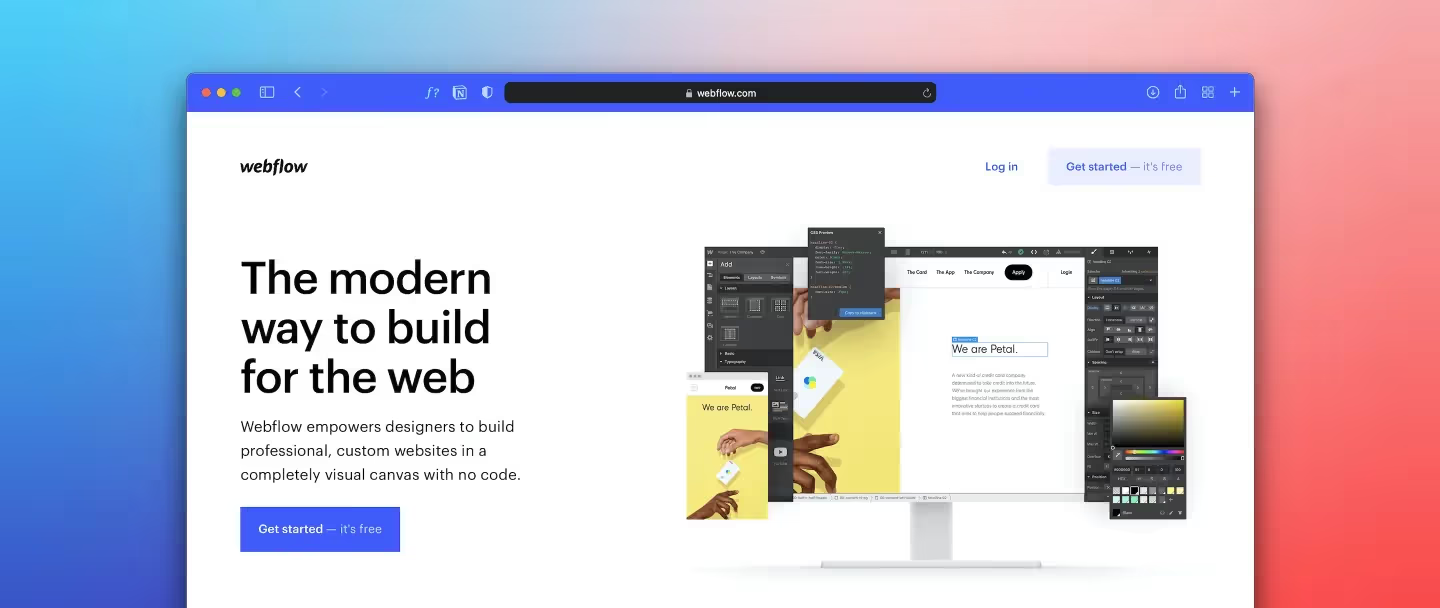
Webflow has come a long way.
What started as a powerful visual website builder has evolved into an entire ecosystem of design tools, development tools, integrations, automation platforms, component libraries, SEO tools, analytics platforms, and third-party apps.
That is great news for Webflow designers and developers.
It can also make choosing the right tools surprisingly difficult.
There are now hundreds of apps available in the Webflow ecosystem, covering everything from SEO and analytics to memberships, automation, search, localization, ecommerce, and custom functionality.
So instead of throwing a giant list of every Webflow tool I can find at you, this guide focuses on the tools and resources that can actually make a Webflow workflow faster, better, and more capable in 2026.
Some are tools I would consider essential. Others solve very specific problems. And a few are simply resources every serious Webflow designer should know about.
Here is the short version before we get into the details.
The important thing isn't installing all of them.
It's knowing which problem each tool solves.
If you build websites for a living, Relume is one of the first tools I'd look at.
Relume is particularly useful during the transition between "I need to build a website" and "I need to start designing the website."
It can help generate sitemaps and wireframes and provides a large library of components that can be used as the foundation for a Webflow project.
That makes it especially useful when you're starting a project from scratch and don't want to stare at a blank Webflow canvas for an hour.
Relume is also available through the Webflow ecosystem, making the transition from planning to Webflow considerably more streamlined.
Don't treat Relume as the final design.
Use it to establish structure and hierarchy, then make the website your own.
The best Webflow sites still need good typography, spacing, art direction, content strategy and interaction design.
If you're doing anything beyond basic Webflow builds, you should know Finsweet.
Finsweet has become one of the most influential companies in the Webflow ecosystem, particularly around development systems, CMS functionality and advanced Webflow workflows.
Their tools and resources are especially useful when you start pushing Webflow beyond simple marketing websites.
The Webflow App Marketplace currently includes Finsweet tools such as Finsweet Components and the Finsweet Extension.
Finsweet is a good example of something I think more Webflow users should understand:
You don't necessarily need to leave Webflow when you hit a limitation.
Sometimes you just need the right tool.
Flowbase is another resource I recommend keeping bookmarked.
It offers components, wireframes, icons, templates and other resources designed specifically around modern Webflow workflows.
Flowbase also provides tools and extensions that can speed up repetitive work inside the Webflow Designer.
One of the biggest benefits of resources like Flowbase isn't necessarily copying a component.
It's seeing how other designers solve common interface problems.
That's valuable when you're working on your tenth website of the month and need a fresh idea.
Webflow is extremely capable without writing much code.
Eventually, however, you're probably going to run into a situation where a little JavaScript, CSS or custom functionality would make the site substantially better.
That's where tools like Slater become useful.
Slater provides a development environment designed specifically around Webflow custom code workflows.
The goal isn't to turn every Webflow project into a custom-coded application.
It's to have a better workflow when custom code actually makes sense.
Webflow CMS is great.
Sometimes you need more.
Jetboost is particularly useful when a project requires things such as:
It's particularly useful for:
If you're building a website with hundreds or thousands of CMS items, this is one of the tools worth knowing.
Membership functionality is one of those areas where Webflow can get interesting.
You can design the entire front end visually in Webflow, but authentication, subscriptions, gated content and member management require additional functionality.
That's where Memberstack comes in.
Memberstack supports memberships, authentication, gated content and payments while allowing you to maintain control over the visual experience in Webflow.
This is one of those tools where the value isn't simply "adding a feature."
It's avoiding having to build an entire authentication system yourself.
This is where things get really interesting.
There's a major difference between:
"I need a website."
and
"I need an application that happens to have a Webflow front end."
Wized is aimed much more toward the second category.
It's useful when a Webflow project needs application-like functionality, external APIs, authentication, dynamic data or more complex logic.
You shouldn't automatically reach for Wized just because a site needs a little extra functionality.
But when a project starts looking more like an application than a traditional marketing website, it's one of the tools worth investigating.
Automation is one of the easiest ways to make a Webflow project dramatically more useful.
Zapier can connect Webflow with thousands of other applications and automate workflows involving forms, CMS content, CRM systems, email marketing and other business tools.
Webflow itself highlights Zapier as an integration for automating workflows across thousands of applications.
For example:
Webflow form submission → CRM → Slack notification → email follow-up
Instead of someone manually moving that information between systems, the process happens automatically.
Zapier is great for straightforward automation.
Make becomes especially interesting when the workflow starts getting complicated.
Instead of simply:
A happens → B happens
you can create workflows with multiple steps, conditions, filters and data transformations.

Get to know us.

Mon–Fri / 9AM–5PM CST
We usually respond within 1–2 business hours.

Hi! I'm Matt, a designer turned full-stack Webflow developer based in Texas. I started PixelFleek to bridge the gap between great design and modern dev execution. I’ve worked with clients across SaaS, e-commerce, media, education, and B2B—helping them turn fuzzy ideas into digital experiences that work.
Before PixelFleek, I led creative for major national brands, worked with agencies, and even coded old-school table-based layouts back in the day. Now I’m focused on the sweet spot where aesthetics, interaction, and usability meet.