
News & Insights
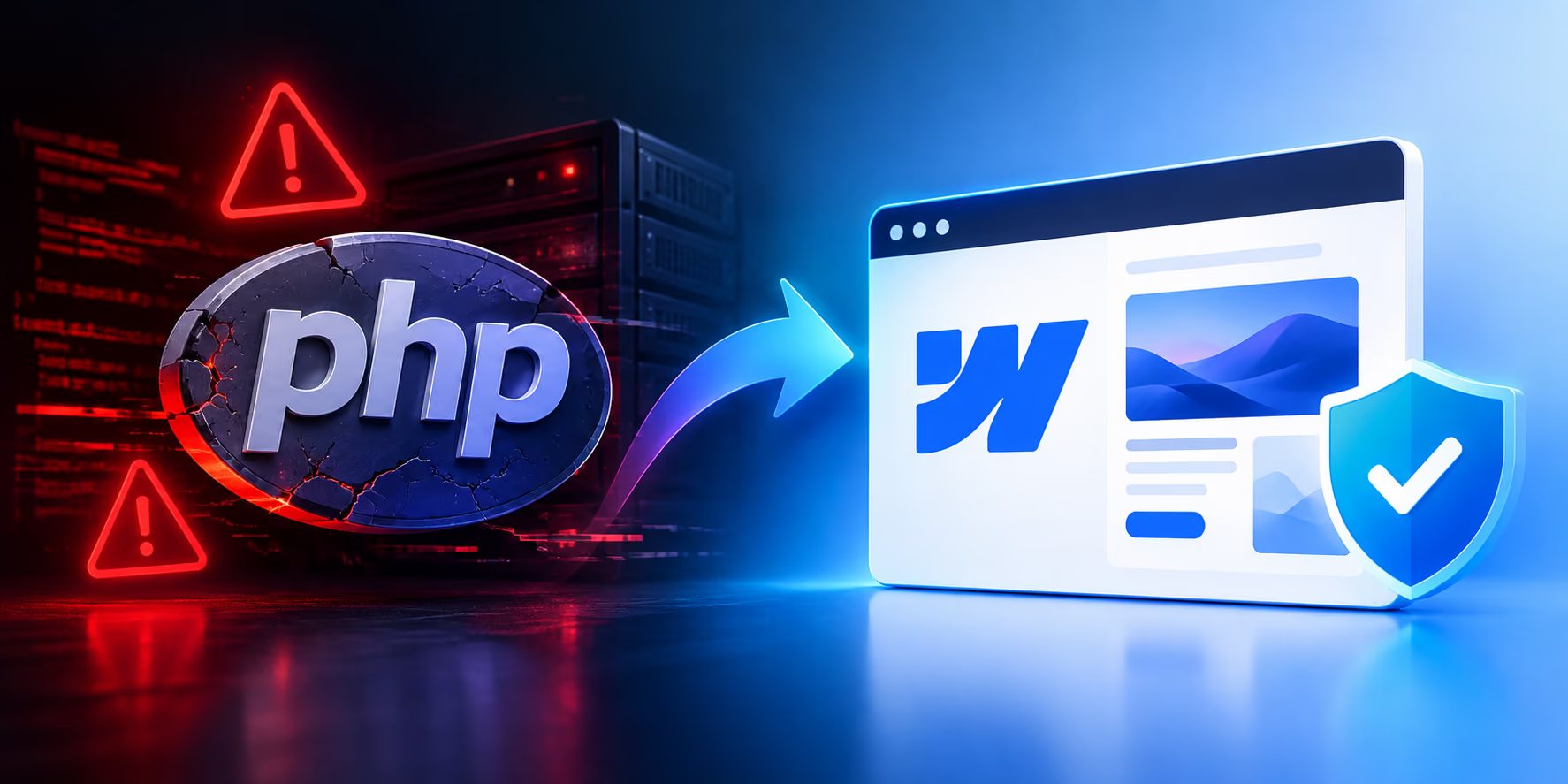
If you woke up this week to messages about a critical PHP security vulnerability, you're not alone.
On October 21, 2026, the PHP project released emergency security updates addressing two critical vulnerabilities that can potentially allow attackers to execute code on vulnerable web servers without authentication.
The vulnerabilities, tracked as CVE-2026-109618 and CVE-2026-109619, affect PHP installations serving web requests. Security researchers have warned that successful exploitation could allow attackers to take control of affected servers.
The UK's National Cyber Security Centre has urged organizations to take immediate action, while WordPress has advised site owners to update PHP as soon as possible.
For businesses running PHP-based websites, this means another urgent software update.
For businesses running Webflow?
This particular PHP vulnerability isn't part of your Webflow hosting stack.
And that's worth talking about.
PHP is a server-side programming language that powers a huge portion of the internet.
It's used underneath platforms and applications including WordPress, Drupal, Joomla, Magento, and countless custom websites.
The newly disclosed vulnerabilities are particularly serious because they exist in PHP itself rather than being limited to one particular WordPress plugin or application.
The PHP project released fixes for supported versions, including PHP 8.2, 8.3, 8.4 and 8.5. Older versions are no longer fully supported by the PHP project and may require additional action from hosting providers or administrators.
The important takeaway for a business owner isn't necessarily the technical details.
It's this:
If your website depends on PHP, somebody has to make sure PHP is patched.
And that somebody is usually you, your developer, your hosting company, or some combination of the three.
Webflow-hosted websites aren't running your website on a traditional PHP application server that you or your developer have to maintain.
That's one of the fundamental differences between a managed website platform like Webflow and a traditional self-hosted PHP stack.
With a typical PHP-based website, your technology stack might look something like:
Server
↓
Operating system
↓
Web server
↓
PHP
↓
CMS
↓
Plugins / themes / extensions
↓
Your website
Every layer introduces another potential maintenance responsibility.
Webflow takes a very different approach.
Your website is hosted on Webflow's managed infrastructure rather than requiring you to maintain a PHP runtime, WordPress installation, server operating system, or collection of PHP plugins.
Webflow also maintains security controls and ongoing security practices across its hosting infrastructure.
That doesn't mean Webflow is magically immune to every possible cybersecurity issue.
No website platform is.
It means something more specific:
And that distinction matters.
If you're running WordPress, don't panic.
The answer isn't "throw away your website."
The immediate priority is to make sure the PHP environment hosting your site has been updated to a fixed version.
WordPress itself has advised site owners to check their PHP version and update it as necessary. WordPress also makes an important distinction:
Updating WordPress itself does not update the PHP runtime underneath it.
That's a job for your hosting environment.
So if you're a business owner who doesn't know:
you now have another maintenance task to investigate.
And that's exactly where the conversation about managed website platforms becomes interesting.
The biggest lesson from incidents like this isn't:
"PHP is bad."
PHP is an incredibly important technology and has powered the web for decades.
The bigger question is:
How much infrastructure does your business actually want to be responsible for?
A business website isn't supposed to be an IT department.
Your website exists to:
Every hour spent worrying about server patches is an hour that isn't being spent improving the actual business.
That's one of the strongest arguments for managed website platforms.
With a traditional self-hosted PHP website, maintaining the stack can involve:
PHP updates
CMS updates
Plugin updates
Theme updates
Server security
Database maintenance
Backups
Compatibility testing
Security monitoring
Performance configuration
Hosting configuration
Some businesses absolutely need this level of control.
Others don't.
If you're running a marketing website for a law firm, construction company, financial firm, agency, restaurant, professional services company, or other organization, you may not need to own the underlying server infrastructure at all.
You need the website to work.
That's where Webflow can make sense.
It's important to be realistic here.
Switching to Webflow doesn't mean:
"I never have to think about security again."
You still need to:
And Webflow itself can experience vulnerabilities or security incidents.
No platform is immune.
The advantage is that you aren't responsible for maintaining the PHP runtime and traditional server stack underneath the site.
That's a meaningful reduction in operational complexity.
WordPress remains an extremely capable platform.
For some organizations, it's absolutely the right choice.
If you need:
WordPress can make sense.
But there's a tradeoff.
The more software you put underneath a website, the more things need to be maintained.
WordPress itself is only one part of the stack.
You also have your hosting environment, PHP, themes, plugins, databases, integrations, and other dependencies.
And every dependency represents another thing that can eventually need an update.
This is where Webflow becomes particularly attractive for businesses.
Instead of asking:
"Who's going to patch the server?"
you can focus on:
"How can we make this website better?"
Instead of:
"Is our PHP version supported?"
you can focus on:
"How do we improve our conversion rate?"
Instead of:
"Which plugin caused this compatibility problem?"
you can focus on:
"Why aren't more people filling out our contact form?"
That's the real value of managed infrastructure.
Less technical overhead means more attention available for the business.
Security isn't the only reason businesses move away from traditional hosting.
Performance matters too.
A website's hosting architecture can affect:
Webflow provides managed hosting and CDN capabilities as part of its platform.
That means you're not starting with a blank server and figuring out how to configure everything yourself.
You get a managed environment designed specifically for websites.
This is another misconception.
Moving away from WordPress or another PHP-based CMS doesn't mean giving up SEO.
A properly built Webflow website can have:
In other words:
The platform doesn't replace SEO strategy.
But Webflow provides the controls you need to implement one.
Not necessarily.
But this PHP incident is a good reason to ask yourself a few questions.
Do I know what version of PHP my website is running?
Who is responsible for updating it?
Is my hosting provider actively managing security updates?
How many plugins are installed on my site?
When was the last time the plugins were audited?
What happens if an update breaks the website?
Who handles backups?
Who handles security monitoring?
What happens if the server is compromised?
If you have good answers to all of those questions, great.
You may have a perfectly healthy WordPress setup.
But if your answer to most of them is:
"I have no idea."
then it's probably worth reconsidering how your website is hosted.
The question shouldn't be:
"Is WordPress bad?"
It should be:
"How much technical infrastructure does my business actually need to manage?"
For some companies, the answer is:
A lot.
For many marketing websites, the answer may be:
As little as possible.
That's where a managed platform like Webflow can be a very compelling alternative.
The PHP security situation is a good reminder that websites aren't just visual designs.
They're software.
And software requires maintenance.
The difference is how much of that maintenance you want to own.
With a traditional PHP-based website, you're responsible for a stack of technologies that can require ongoing updates, compatibility testing, security monitoring, and maintenance.
With Webflow, much of the underlying hosting infrastructure is managed for you.
That doesn't eliminate every security concern.
It does eliminate an entire category of server and PHP maintenance from your day-to-day responsibilities.
And for a business that simply wants a fast, professional, secure, manageable website, that's a pretty compelling reason to take a look.
If your current website has become a maintenance project instead of a business tool, it might be time for a change.
At PixelFleek, we build custom Webflow websites for businesses, agencies, and organizations that want the flexibility of a professionally designed website without the ongoing complexity of managing a traditional PHP-based stack.
Your website should be working for your business — not creating another IT job.
[Talk to PixelFleek about moving your website to Webflow →]
The current PHP vulnerabilities affect PHP installations serving web requests. Webflow-hosted websites do not rely on a customer-managed PHP runtime in the same way as traditional PHP-based hosting environments.
Yes. WordPress websites hosted on PHP environments should ensure that the underlying PHP installation is updated to a fixed version. WordPress has advised site owners to check and update PHP as necessary.
No. No internet-connected platform is completely immune to security threats. Webflow maintains security controls across its hosting infrastructure, but website owners still need to follow good security practices.
Not necessarily. A properly maintained WordPress website can be secure. However, if your business doesn't need the server-side flexibility of a PHP-based platform, moving to a managed platform like Webflow can reduce the amount of infrastructure you have to maintain.
Neither platform is universally better. WordPress offers enormous flexibility and an extensive ecosystem. Webflow can be a strong choice for businesses that prioritize professional design, managed hosting, performance, and reducing the maintenance burden associated with a traditional CMS and PHP hosting stack.
First, identify the PHP version your website is running and contact your hosting provider or technical administrator to confirm that the appropriate security update has been applied. If you're running an unsupported PHP version, plan an upgrade or migration.

Get to know us.

Mon–Fri / 9AM–5PM CST
We usually respond within 1–2 business hours.

Hi! I'm Matt, a designer turned full-stack Webflow developer based in Texas. I started PixelFleek to bridge the gap between great design and modern dev execution. I’ve worked with clients across SaaS, e-commerce, media, education, and B2B—helping them turn fuzzy ideas into digital experiences that work.
Before PixelFleek, I led creative for major national brands, worked with agencies, and even coded old-school table-based layouts back in the day. Now I’m focused on the sweet spot where aesthetics, interaction, and usability meet.